
Migrating off Webflow and the worst way to use Claude Code
I could wax poetic about how bad Webflow is. Every small detail, from the way drafts in their CMS work to their support ticket flow, is so egregiously and offensively bad that there’s only one possible conclusion: they are doing this on purpose. No team could be this bad at their jobs. It’s simply not possible that this product is the unfortunate and accidental result of their genuine efforts to build something useful.
No, instead I like to imagine a group of evil basement dwellers with sharp teeth and blood red eyes, gathered around a screen and working themselves into an orgiastic frenzy. As they cackle and roar, they brainstorm increasingly clever and frustrating ways to antagonize their users. Make it a crapshoot as to if we save the user’s CMS edits…no wait, make ALL of the text switch to an H2, not just the highlighted text. Yes…now make the user type their support request TWICE after talking to our AI chatbot! AND FOR THE GRAND CRESCENDO, LET’S HAVE 72 HOUR OUTAGES!!!!!
They are cracked engineers to be sure; their knowledge of the game is so complete, so advanced, that they know exactly how to build things wrong. And they do so with delight, reveling in the small daily pains they’ll cause their millions of imprisoned users (thanks to the Webflow Agency Industrial Complex).
As John Milton said in Paradise Lost:
Better to reign in Hell than serve in Heaven.
Anyway, after many years of complaining about how bad Webflow is, it finally felt like the time to migrate the Amplify website off of it and onto a custom setup.
The new stack and migration logistics
Here is my simple web stack for the internal apps I’ve been building for Amplify:
- React and Next.js
- Clean CSS, I hate Tailwind and hate that LLMs want me to use it
- Deployed on Vercel
- Sanity for the blog CMS
- Claude Code in Warp
Nothing fancy, but then again, I’m just a salt of the earth guy.
I should have known that Webflow wasn’t going to make this easy. I should have known that it wouldn’t be as simple as just “exporting the code” (hah! haha!) and having a model refactor it for a new platform.
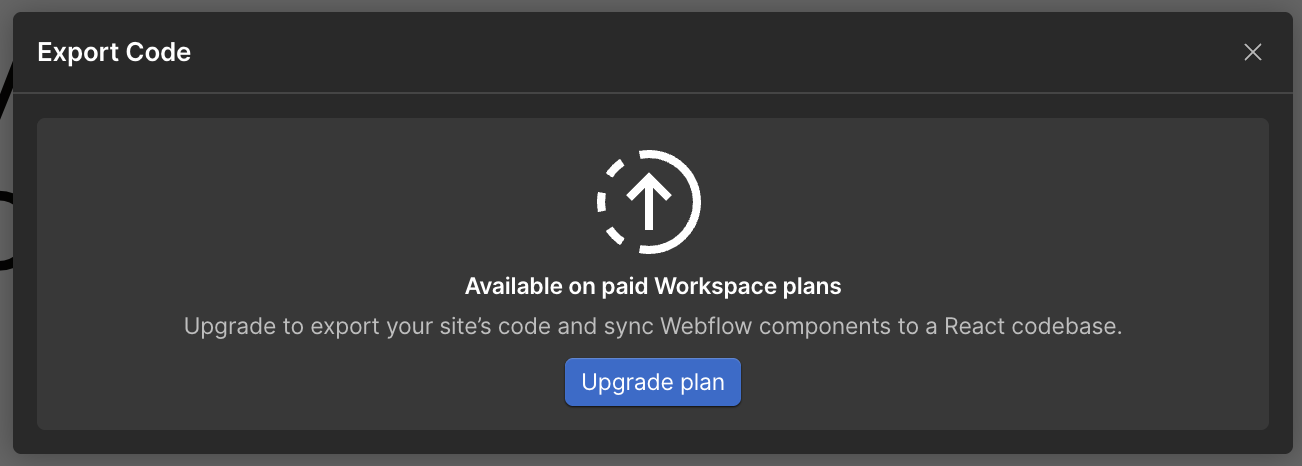
Of course, to export your code, you must have a paid plan on Webflow. Of course.
What’s that, you say? You have a paid plan? You’re already spending more than $1K/year on Webflow? Sorry broh, but we change our plans every 6 months and you’re on a great-great-great grandfathered SKU that doesn’t exist anymore and doesn’t count as “paid” in the code that one of our engineers spent 6 months writing for this.
Instead of rewarding your loyal multi-year subscription, we are unfortunately going to have to make your life as hard as we can. Hope that’s alright.
The important thing to know about hating Webflow is that you’re never alone. In my case a fine gentleman created just the piece of software to help me in my time of need: Exflow. So I was at least able to export some partial simulacrum of my site to aid my Claudes.
The work here was not very glamorous, it involved going route by route and having Claude Code (Sonnet 4.6, I’m frugal) patiently rebuild the page from first principles i.e. the existing published website.
Claude’s first pass at the page would look like, vaguely similar to the original but clearly involved several hallucinations, in particular around things like font sizes and weights and then border radii as well.
Most of my prompts looked something like this:
Download the HTML and CSS of this page and rebuild it on our local site. Match the styles, shapes, borders, and fonts exactly. Double check your work using the Playwright integration.
Speaking of which…the Claude Code Playwright integration didn’t work very well. Everyone kept telling me that we need loops, LOOPS!, and so I tried to give Claude a “loop” but:
- Each Playwright use and screenshot took like 3+ minutes (?)
- It would get stuck in the “loop” (after all how do you get out of a loop) often
- …the end result wasn’t any better than me manually pointing out fixes
Ergo, I spent a few days going page by page writing prompts like:
Make the following fixes:
- p tag font size should be 1.2rem
- the border on the button is still black, your fix didn’t work
- move the “About Amplify” CTA 50px lower down
- etc. etc. etc. etc. etc.
Over time, the model actually got a lot better: because it had a library of good components across the site to just copy and paste from. But even this didn’t yield anything close to perfect. I needed to continually say things like “make this button look exactly like the rest of the buttons” – in which I essentially discovered a design system from first principles.
Using LLMs for frontend is an antipattern and it sucks
I bore you with these details to get a point across, and that point is that this was a very bad time. At no point was there a magic moment, a smile, an impressive output, or even a feeling of glee (not even a bit of glee). Actually, it was an incredibly annoying few days of scattered attention, frustration at poor prompt following, and consistently asking myself why I had decided to do this in the first place, maybe I should just have stayed in the Webflow prison, they have soup and bread, after all is it really that bad? (yes)
Which brings me to the point of this blog post. 2026 is a really bad time to be using LLMs for projects like this. If you have good taste and want to use an LLM for frontend work, you will inevitably be stuck in a boxing match with a model where you both keep lightly grazing each other with the sides of your mitts but also you can never leave. LLMs today do not understand the last 20% of any project. And because of the visual and all-about-the-details nature of frontend, using LLMs for it is an antipattern and it sucks.
In fact, halfway through I just started manually writing CSS again. The amount of time it took to write a prompt, have the model think, and then wait for it to make a shot on goal with a 50% success rate was more time than it took to just go cosplay as a frontend engineer the old fashioned way.
Maybe I’m just an idiot. Maybe no engineer worth their salt would ever use an LLM this way, and they just didn’t teach me this in LLM school and of course this was a terrible idea. Maybe I’m just cursed with this unfortunate ability to notice tiny frontend details, while other idiots would be fine if the border radius isn’t exactly the same as the source site. Maybe the future is one where nobody even cares about these details anymore…the amount of Claudeslop out there could reasonably lead you to this conclusion.
There’s one thing I do know, though. Next time I build a website, I probably won’t use LLMs for frontend details. They save me a lot of time with scaffolding, any backend work, and setting up basic routes and pages; but they just don’t get the details. And I’d rather write CSS rules by hand and get them right the ~~1st~~ 3rd time than continually “type what I want” and not get it.
P.S. the site is live here. Please poke around and let me know if you find any issues.
